
Create AI videos with Seedance
Generate text-to-video and image-to-video with Seedance or Doubao Seedance, explore VideoGen workflows, and create GPT Image 2 visuals in one workspace.
Made with Genzy
Still images and moving stories, woven into one creative stream.
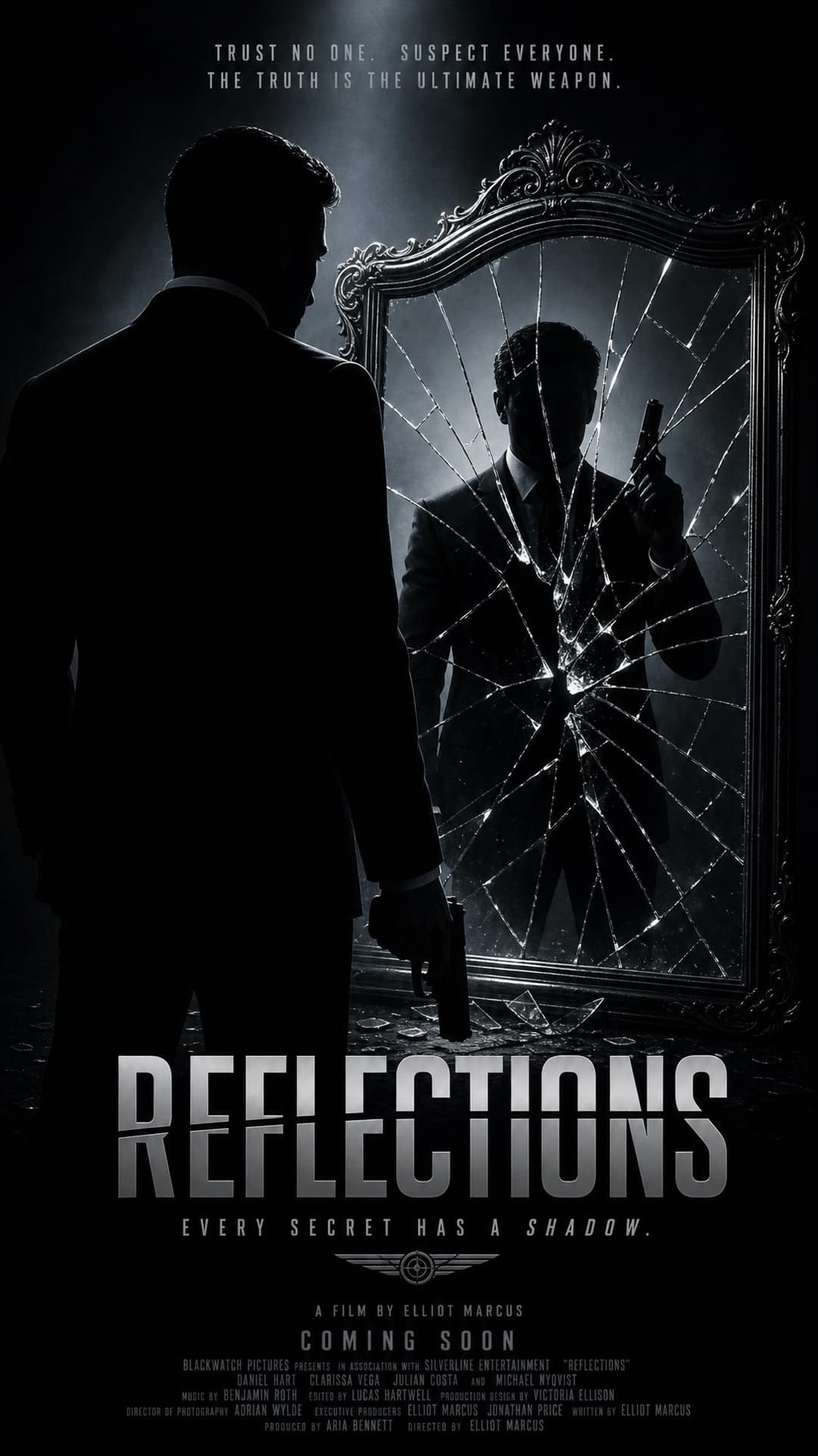
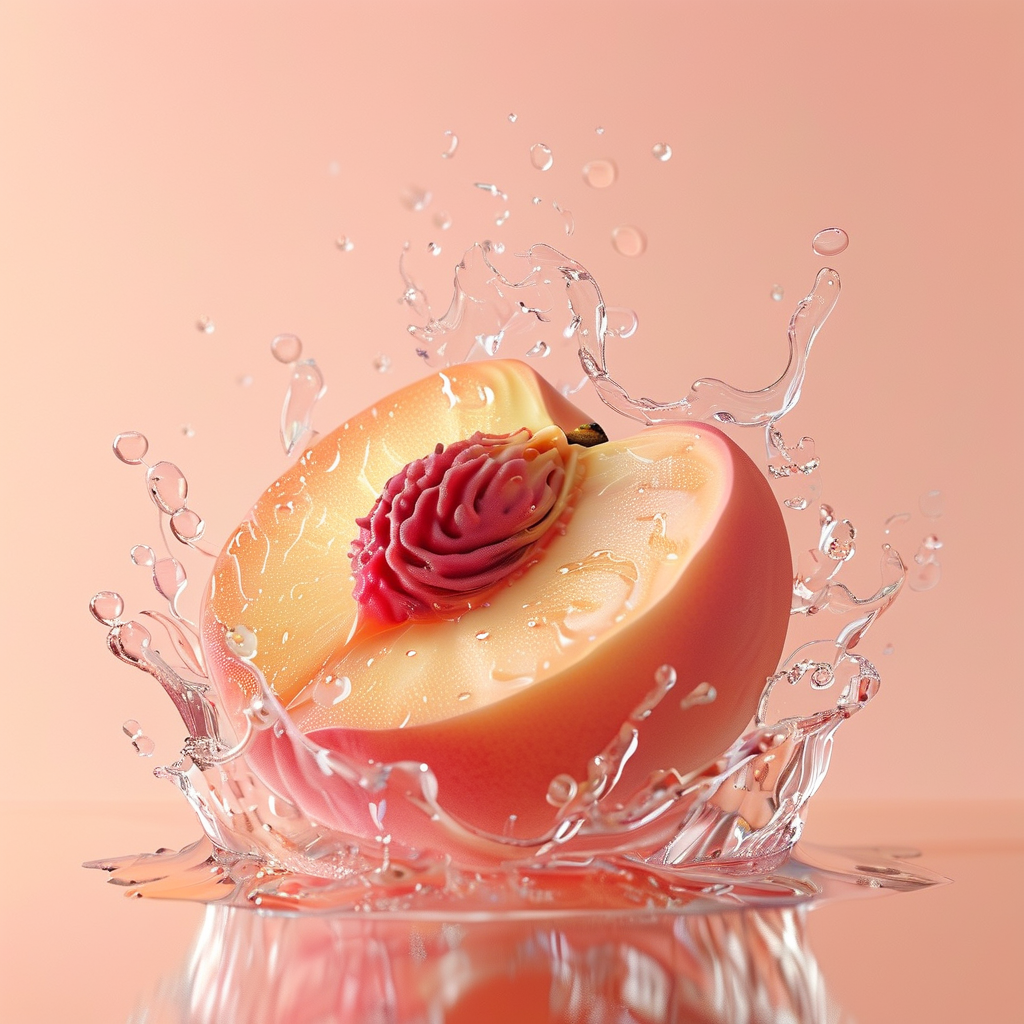
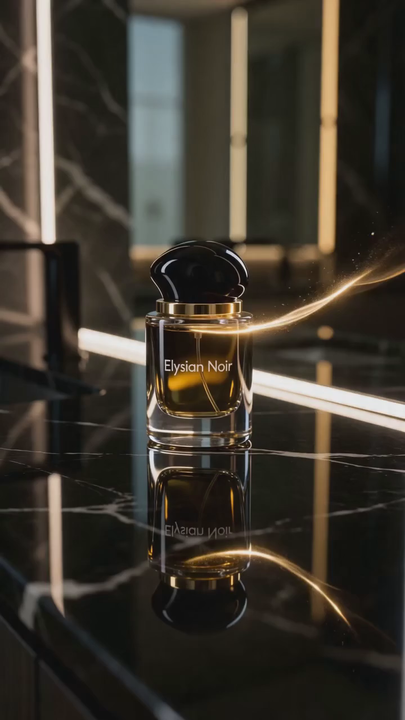
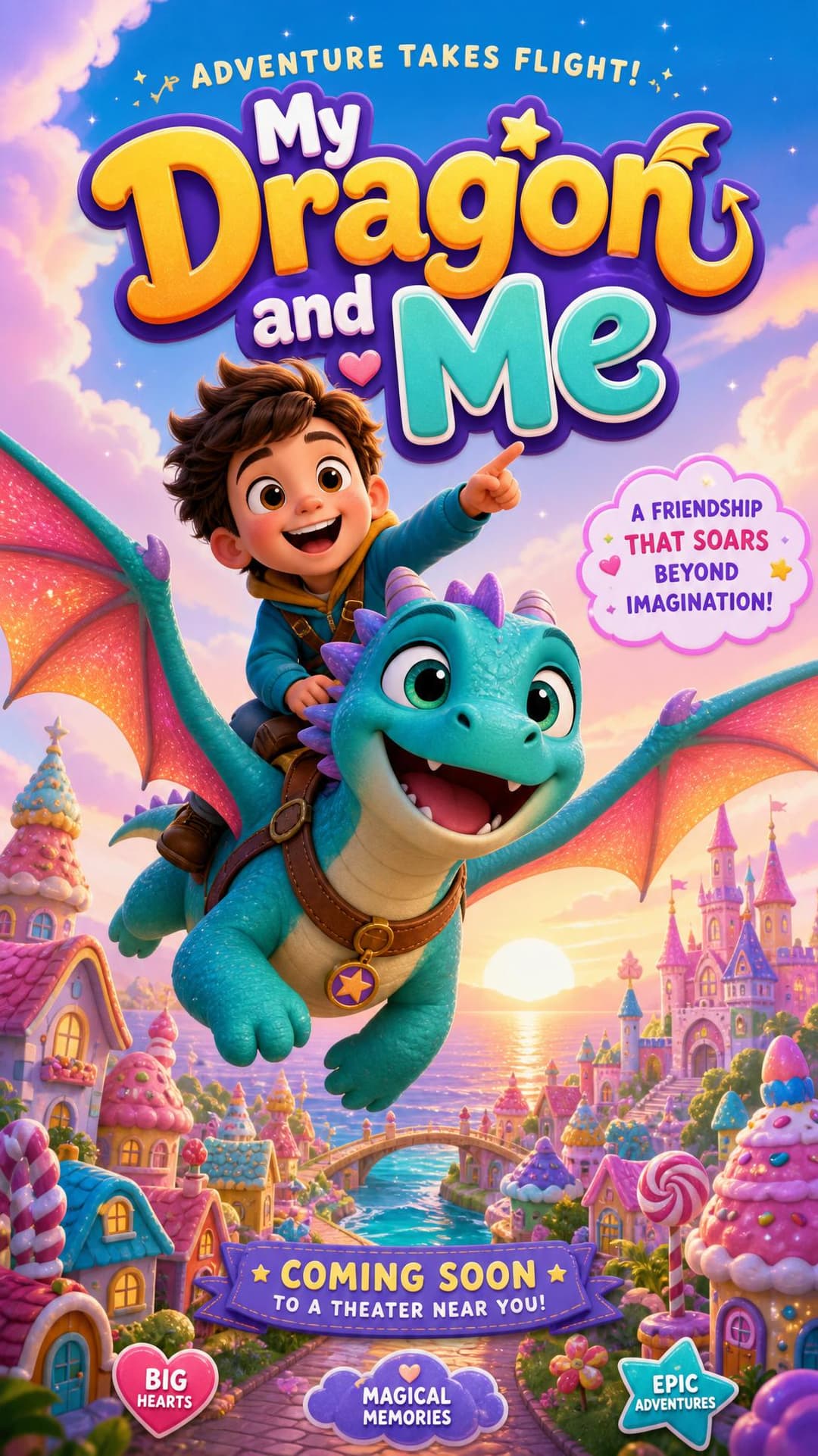

Choose the right AI generation workspace
Start with the asset you need to make now. Use the video workspace for motion and shot direction, or the image workspace for still creation and precise reference edits.
AI video generator
Turn a scene idea or an approved reference frame into a focused video brief. Define the subject, action, camera movement, timing, and final frame before you generate with an enabled video model.
- Plan Seedance text-to-video and image-to-video prompts
- Break a VideoGen concept into short, testable shots
AI image generator
Develop a still image for a campaign, story, product concept, or future motion shot. Prepare clear generation and reference-edit instructions for GPT Image 2, Nano Banana, or another enabled image model.
- Create a visual direction before investing in motion
- Refine composition, styling, and reference-image edits
Plan each frame and shot before you generate
A useful AI workflow is less about adding more keywords and more about making each creative decision explicit. These four patterns cover common still-image and short-video projects.
Seedance text-to-video shots
Start with one visible event instead of a full story. Name the subject, the action, the setting, one camera instruction, and the intended ending. A compact shot brief is easier to review and revise than a prompt that combines several scenes.
Seedance image-to-video motion
Use a reference frame when composition, wardrobe, product placement, or character appearance is already approved. Describe only what should move, what the camera should do, and what must remain visually stable.
VideoGen scene development
Convert a longer script or campaign idea into a shot list before generating clips. Give every scene a purpose, a visual subject, a duration target, and a transition note so weak shots can be replaced without rebuilding the entire sequence.
GPT Image 2 and Nano Banana edits
For reference-image work, separate the elements that must stay unchanged from the elements you want to modify. State the new background, object, lighting, text treatment, or framing explicitly, then review the still before turning it into motion.
Selected creation guides
Use a focused guide when you need examples, a repeatable prompt structure, or a troubleshooting checklist before the next test.
AI image and video FAQ
Practical answers for choosing a workspace and preparing the first generation test.
Which workspace should I use for a Seedance video?
Use the AI video generator for Seedance prompt planning and generation. It is designed around shot structure, camera movement, text-to-video, and image-to-video workflows. The exact models you can submit to depend on the models currently enabled in the workspace.
Should I start an AI video from text or from an image?
Start from text when you are still exploring the scene. Start from an image when the composition, character, product, or visual style already needs to stay consistent. In either case, keep the first test to one clear shot before expanding the sequence.
How does VideoGen fit into the workflow?
VideoGen is useful as a script-to-scene planning reference: divide a longer idea into individual shots, give each shot a visual goal, and test them separately. Genzy provides a focused VideoGen prompt and script guide alongside the video workspace.
Can I prepare prompts for GPT Image 2 and Nano Banana?
Yes. The AI image workspace and related guides help you structure generation prompts and reference-image edit instructions for GPT Image 2 and Nano Banana. Model availability still depends on which image models are enabled for the site.
What makes a short AI video prompt easier to control?
Describe one subject, one primary action, one camera movement, the environment, and a clear end state. Remove conflicting style or motion instructions, then change one variable at a time between tests so you can tell which revision improved the result.