
VideoGen AI Video Guide: Prompt Clips, Scripts, and Visual Style
Choose between a short VideoGen prompt clip and a longer script-to-video project, then plan visuals, pacing, aspect ratio, voice, and final review.
 Read guide
 Practical AI video generation guides for text-to-video, image-to-video, camera direction, first-frame planning, prompt debugging, and short-form storytelling.
Choose between a short VideoGen prompt clip and a longer script-to-video project, then plan visuals, pacing, aspect ratio, voice, and final review.
Read guide Learn a practical Seedance image-to-video prompt formula for subject motion, camera control, scene stability, and cleaner ending frames.
 Read guide
 Copy and adapt 12 Seedance camera movement prompts for product shots, portraits, reveals, tracking shots, and image-to-video clips.
 Read guide
 Use Seedance product reveal prompts for clean packshots, light sweeps, pedestal shots, unboxing moments, and short commercial endings.
 Read guide
 Plan Seedance 9:16 video prompts with a fast visual hook, mobile-safe composition, readable motion, copy space, and a clean final frame.
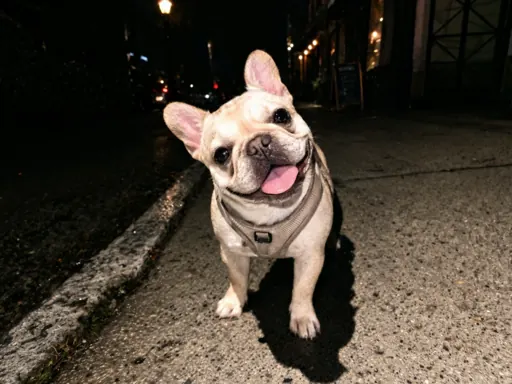 Read guide
 Reduce face drift in image-to-video by improving the reference frame, limiting motion, protecting identity traits, and testing one variable at a time.
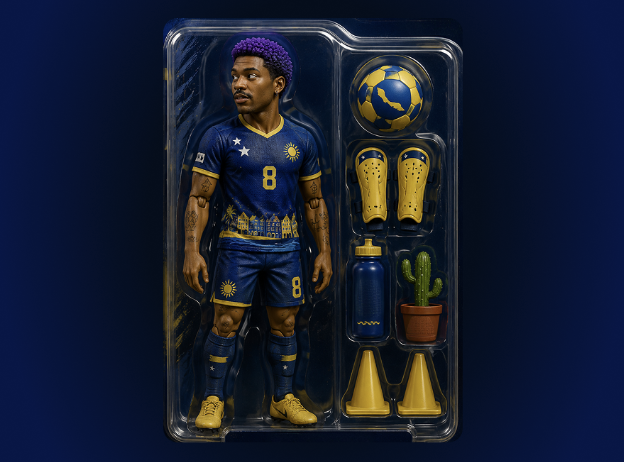 Read guide
 Diagnose frozen motion, warped hands, wrong camera direction, flicker, object drift, and weak endings in short AI-generated video clips.
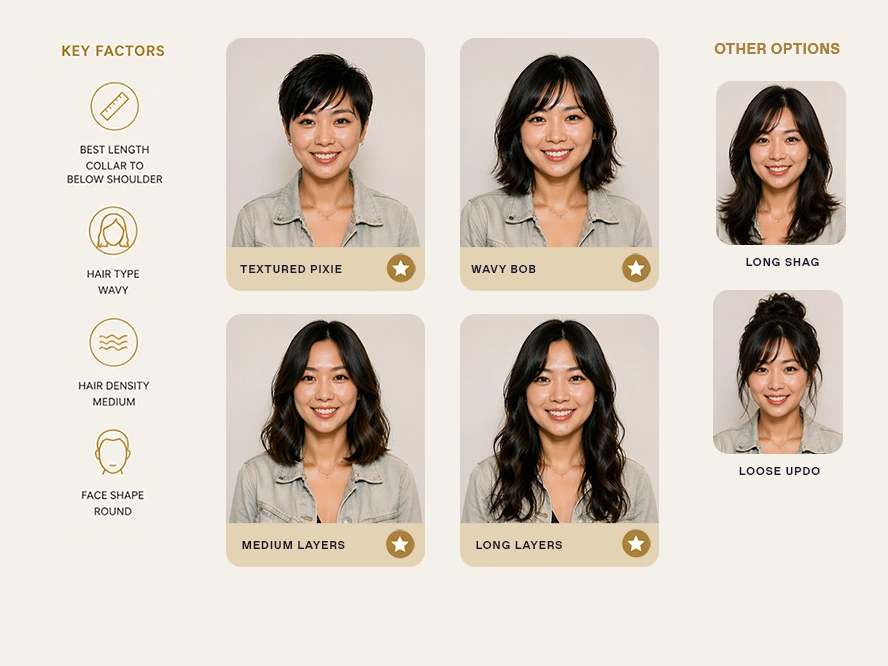 Read guide
 A practical method for turning a still image into a focused AI video with clearer motion, stronger continuity, and fewer wasted generations.
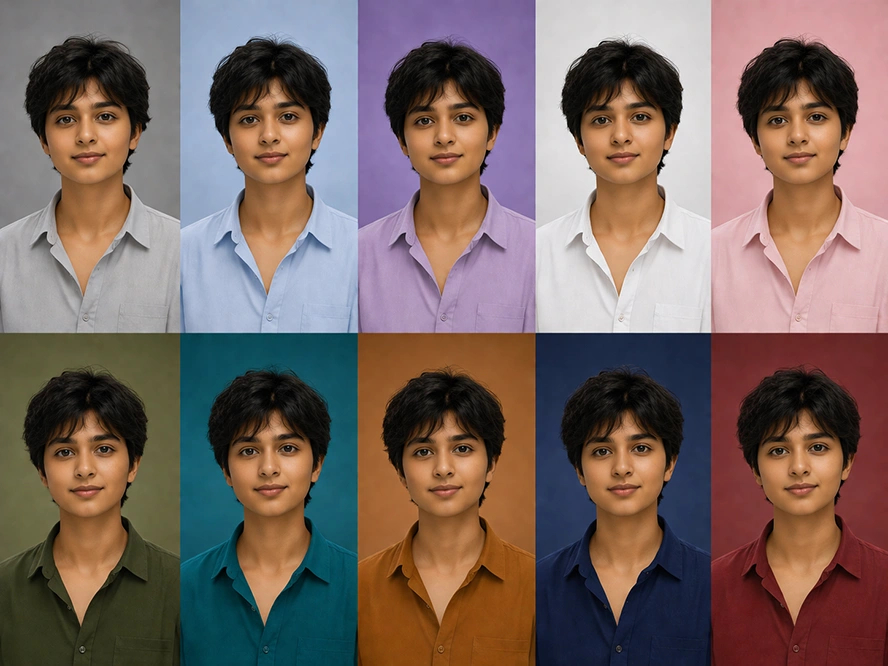 Read guide
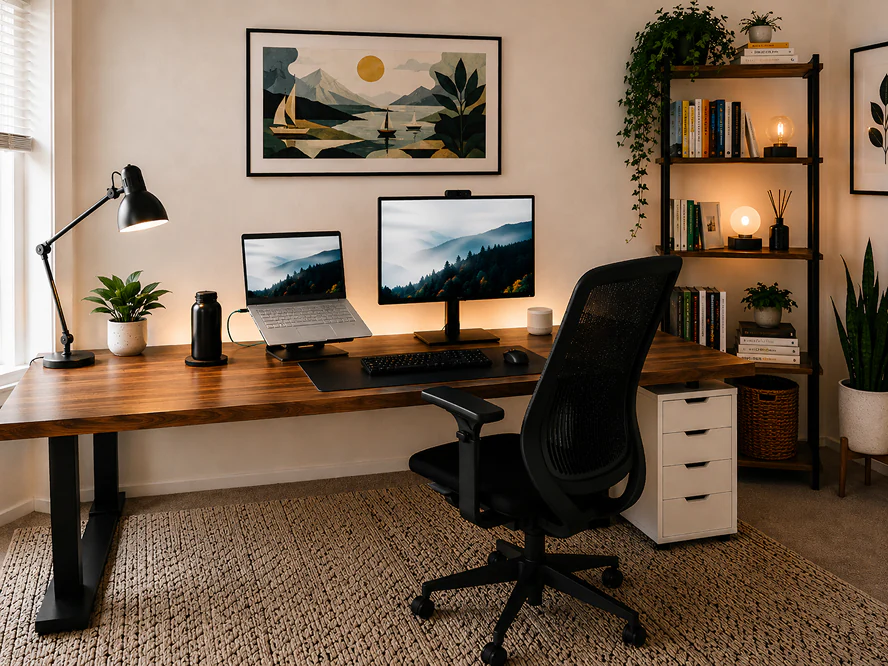
 Learn how to describe camera position, movement, speed, and focus without overloading a short AI video prompt.
 Read guide
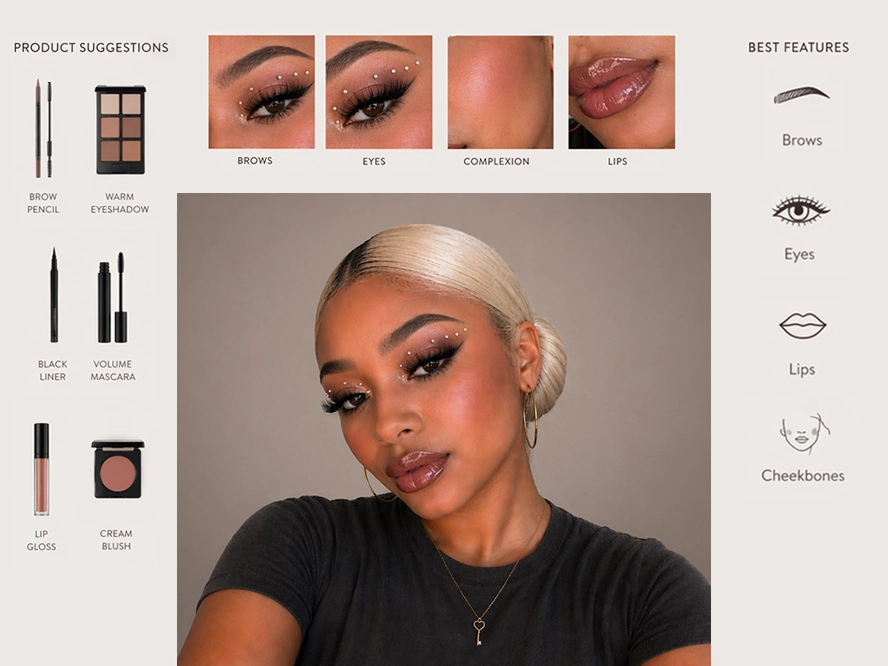
 Use a simple setup, change, and payoff structure to make short AI-generated clips feel intentional instead of unfinished.
 Read guide
 A useful AI video workflow begins before generation. The clearest results come from choosing one shot goal, preparing a readable first frame, and writing motion as a sequence the model can follow. These guides turn broad ideas into controlled instructions for subject action, camera behavior, environmental response, continuity, and the final frame.
Start with the article closest to your current bottleneck. Use the first-frame guide when a source image feels difficult to animate, the camera guide when movement is unpredictable, and the troubleshooting guide when faces, geometry, timing, or endings drift. Product and social clips benefit from the same process: reduce the shot to one primary action, test a restrained version, and add complexity only after the composition remains stable.
The goal is not to collect more cinematic adjectives. It is to build a repeatable production loop: plan, prompt, generate, review, and revise one variable at a time. Save successful prompt modules with their source images and outputs so every finished clip improves the next one.
Use text-to-video when exploration matters most. Use image-to-video when you need tighter control over a subject, product, composition, or brand-approved first frame.
Long prompts often contain competing actions, camera moves, and style requests. A short shot usually improves when every instruction supports one visual event and one deliberate ending.
Change one variable. Reduce subject motion for identity drift, simplify the camera instruction for direction errors, or shorten the action when the final seconds become unstable.