
Text-to-Image Prompts with Negative Space for Ads and Headlines
Create text-to-image prompts with intentional negative space for ad copy, product pages, social posts, thumbnails, and editorial layouts.
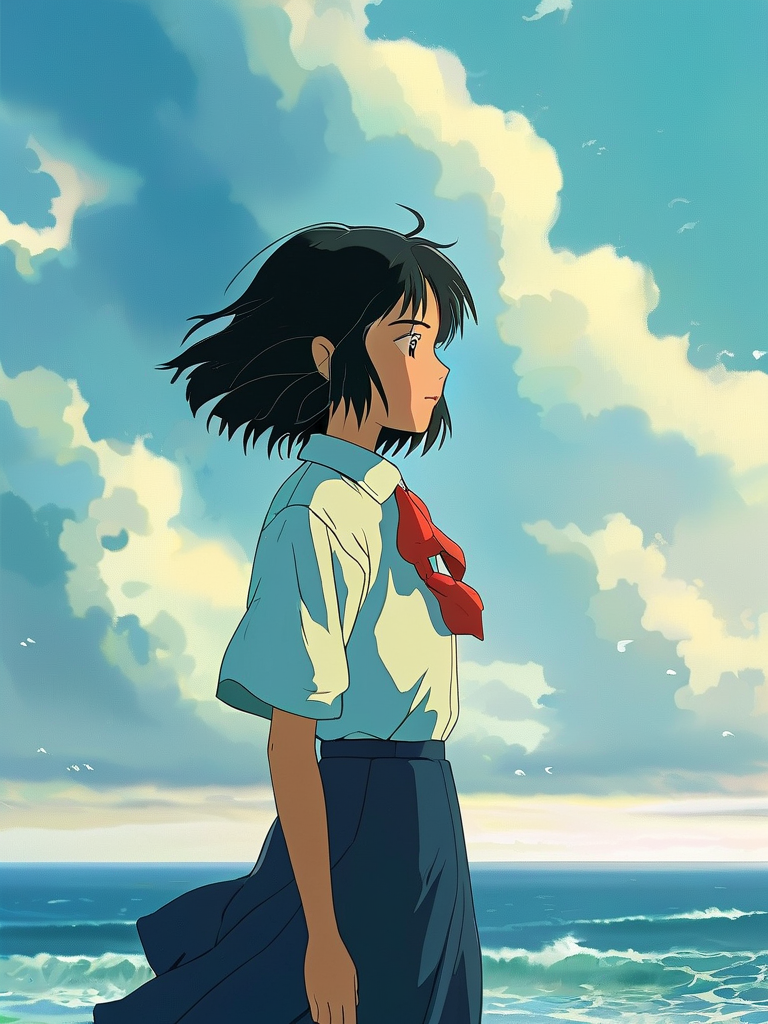
Ready to test the method? Build your next text-to-image prompt.
Negative space is not an empty accident. It is a deliberately quiet area where a headline, offer, logo, or interface can be placed without covering the subject. A useful text-to-image prompt describes the subject position and the copy zone as two parts of one layout.
Name the final format first
State whether the image is a 4:5 social ad, 16:9 website hero, 1:1 product tile, 9:16 story, or editorial spread. The aspect ratio changes how much room exists around the subject. Then name the intended overlay: a short headline, price block, navigation, or call-to-action.
For example: “Wide 16:9 website hero for a skincare launch, with the product group occupying the right third and the left half reserved for a two-line headline and button.”
Describe where the visual weight belongs
Use left third, right third, lower third, centered lower area, or upper corner. Add a balancing instruction: “All strong contrast and detailed props stay around the subject on the right; the left copy area remains a soft low-detail gradient.”
The phrase “leave space” alone may produce random blank areas. Explain what should and should not enter that zone.
Website hero prompt
“Wide 16:9 lifestyle image for a landing-page hero. A creator working at a clean desk occupies the right third, turned slightly toward the center. Soft window light from the left. The left 45 percent is an uncluttered warm-gray wall with low contrast and no objects, suitable for a dark two-line headline and button. Realistic perspective, no generated text.”
Product advertisement prompt
“Vertical 4:5 product campaign image. Place the fragrance bottle in the lower-right quadrant on a dark green stone pedestal. Keep the upper-left half simple with a smooth atmospheric gradient and no leaves crossing it. Controlled rim light around the bottle, accurate glass, grounded shadow, no generated typography.”
Social thumbnail prompt
“Square 1:1 editorial thumbnail. Close portrait on the left half, face turned inward. The right half uses one solid color field with subtle paper texture and no high-contrast detail, reserved for a short headline. Strong separation at small size, no text in the image.”
Vertical story prompt
“9:16 fashion story image. Full-body character centered slightly below the middle, simple studio floor and background. Preserve a clean upper quarter for a headline and a quiet lower strip for a button. Keep hair and clothing inside the center safe area; no decorative objects near the top or bottom edges.”
Match contrast to the future text
If the headline will be dark, ask for a light, even copy zone. If it will be white, ask for a dark low-detail area. Avoid bright highlights, faces, object edges, and busy texture behind text. You can also request a subtle gradient that improves contrast without looking like a blank rectangle.
Generate the background, add real type later
For marketing assets, it is usually safer to create the composition without final typography and add exact copy in a design tool. This protects spelling, font, tracking, brand hierarchy, legal text, and responsive variations. Ask the model for the image and layout opportunity, not the final production file.
Review the layout with placeholder text
Place a real headline and button over the generated image before approving it. Check line length, contrast, mobile crop, subject overlap, and whether the image still works when the copy changes. A copy zone that only fits one short phrase is not flexible enough for a reusable campaign.
Revise the composition without changing the idea
If props invade the copy area, state which edge they must not cross. If the subject is too centered, specify a percentage or visual third. If the blank area looks unnatural, describe an environmental surface—wall, sky, fog, water, or shallow depth of field—that can remain quiet while still belonging to the scene.
Negative-space prompting turns an attractive AI image into a usable design asset. Begin with format and layout, protect the copy zone, keep strong detail around the subject, and add final typography in a controlled production step.